DocCueMent
A Google Doc teleprompter for interview & documentary scripts, built for the Elgato Prompter.
What DocCueMent is
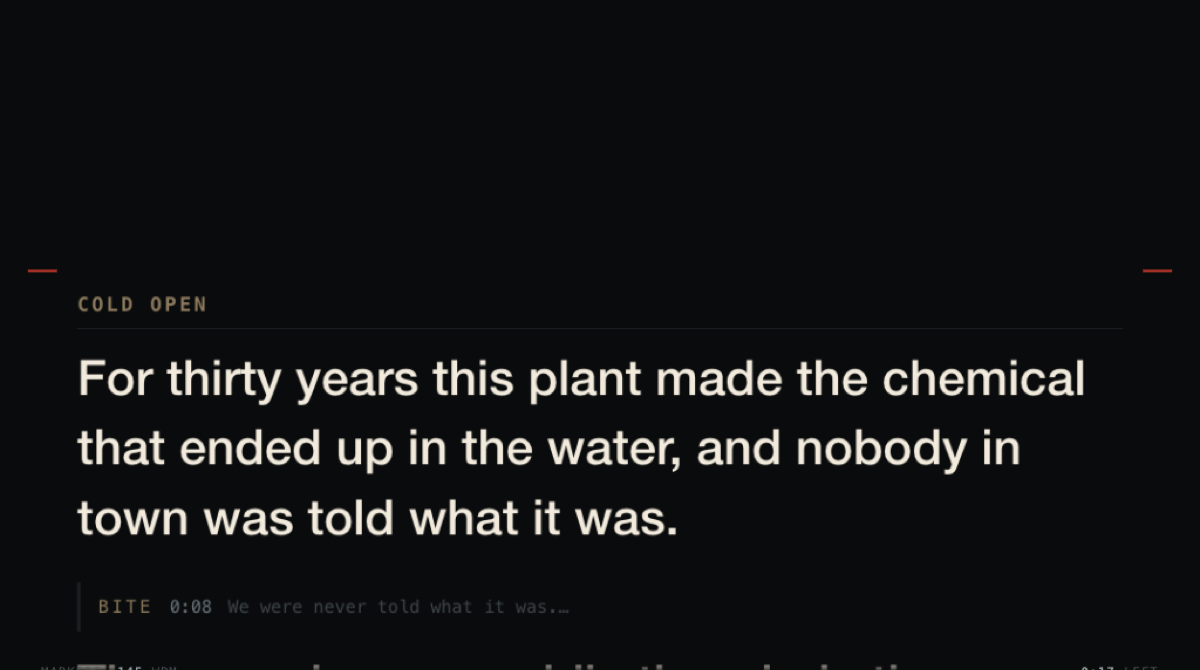
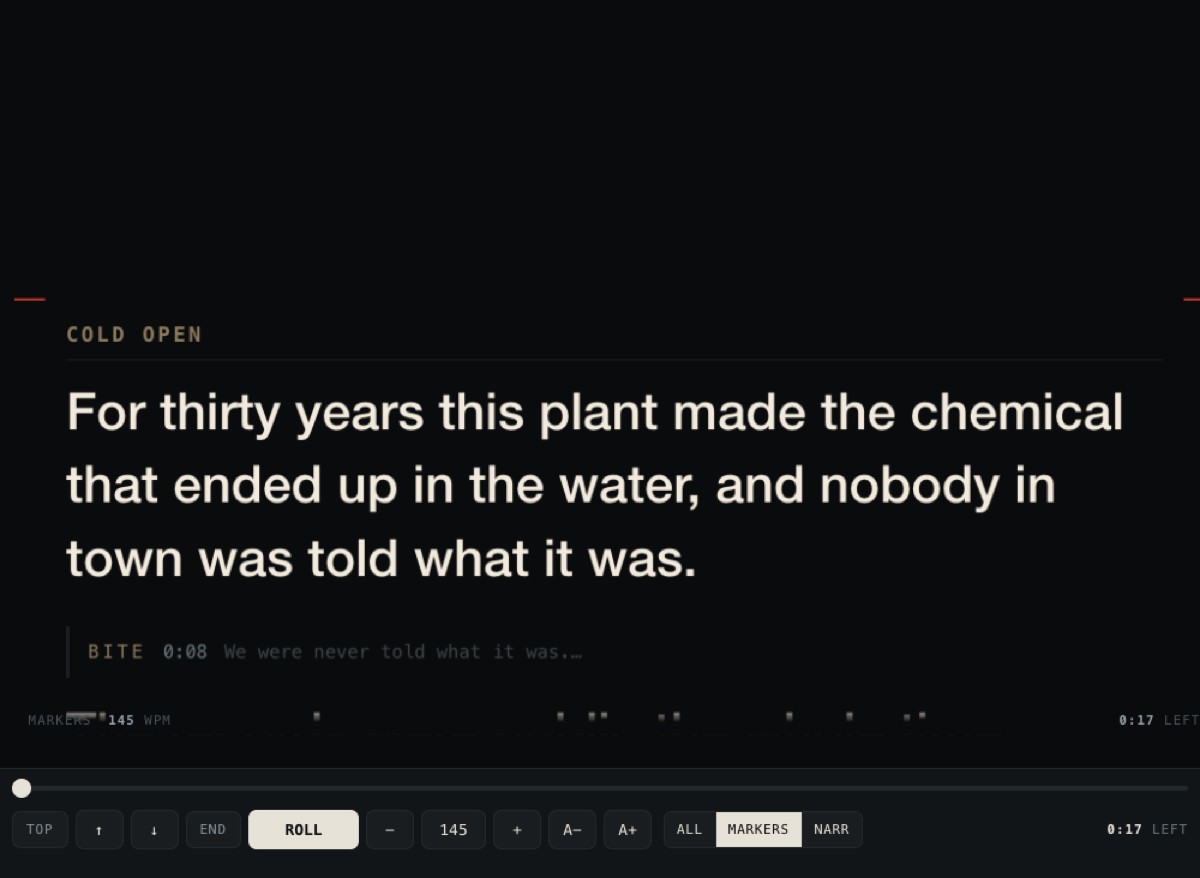
DocCueMent is a macOS application for video production. It displays a Google Doc as a scrolling teleprompter script — on an Elgato Prompter, an iPad, or a second screen — so that a presenter can read from it while looking into the camera lens. An iPhone on the same local network acts as the remote control.
It is made for interview and documentary work, where a script mixes narration the presenter reads aloud with interview answers that are only there for timing. DocCueMent tells those apart from the document's own formatting, so the scroll speed and the read-time estimates reflect what is actually being spoken.
Why DocCueMent asks for access to your Google Drive
DocCueMent needs to read the text of the specific document you want to use as your script. It requests a single, narrowly scoped permission — drive.file — which grants access only to the individual files you choose yourself in Google's own file picker. It cannot browse, search or list anything else in your Drive.
The document's text is requested from the Google Docs API directly by the application running on your Mac, and is used for one purpose: to lay it out and scroll it on the teleprompter. Artifact Video, LLC operates no servers, receives no copy of your documents, and stores nothing about you. Full detail is in the privacy policy.
Driving it
What it does
- Puts a Google Doc on your teleprompter and keeps it in sync — edit the doc between takes and the script updates on the glass.
- Knows the difference between narration you read aloud (bold) and interview bites you don't (plain), so the speed and read-time estimates reflect what you're actually saying.
- Reads two-column A/V scripts — the standard news and documentary table layout — taking the audio column and ignoring the shot descriptions.
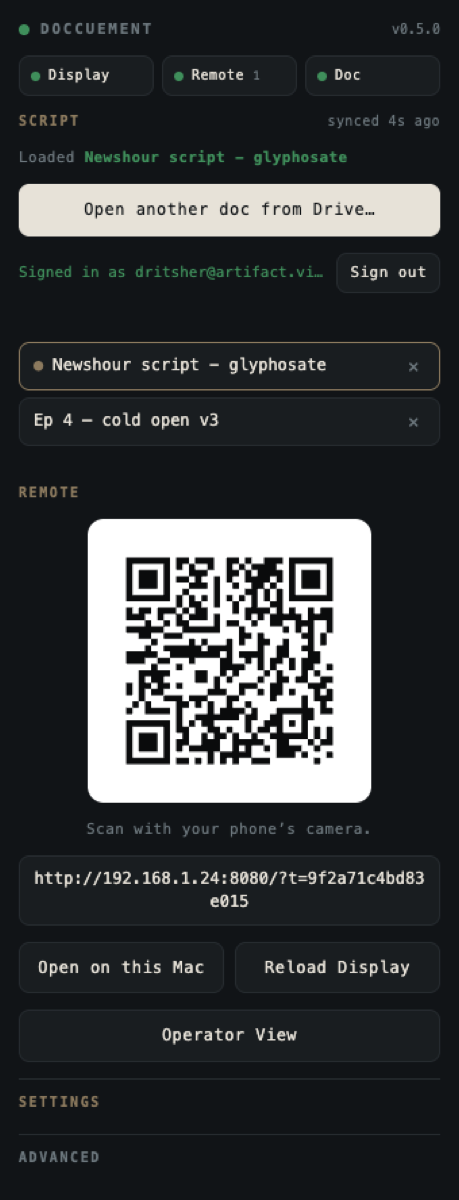
- Turns your iPhone into the remote over your own Wi-Fi. Scan a QR code; nothing to type, no account, no cloud.
- Gives the operator a faithful copy of the glass on their own screen — same line breaks, same lines visible — with transport controls, so what you see is genuinely what the talent sees.
- Built for shoot day: if the network drops the last synced script stays on the glass rather than blanking mid-take, and a sleeping Mac or a dropped Wi‑Fi reconnects on its own.
How Google sign-in is used
DocCueMent asks for one narrow permission — access to the specific files you pick through Google's own file chooser. It cannot browse, list, or open anything else in your Drive.
Your script is fetched from Google directly by the app on your Mac. There is no DocCueMent server, no account with us, and no analytics. See the privacy policy for the full detail.
Requirements
- macOS 12 or later — Apple Silicon or Intel
- An Elgato Prompter (the app also runs in a 1024×600 window without one)
- A phone on the same Wi-Fi, for the remote